
REAL-TIME MEDIA · DEVICE INTEGRATION
Make the remote
feel present.
Connect voice, video and your application.
For AI digital humans, remote safety and education.
Low-latency media and device integrationStart with your devices. Validate the experience together.
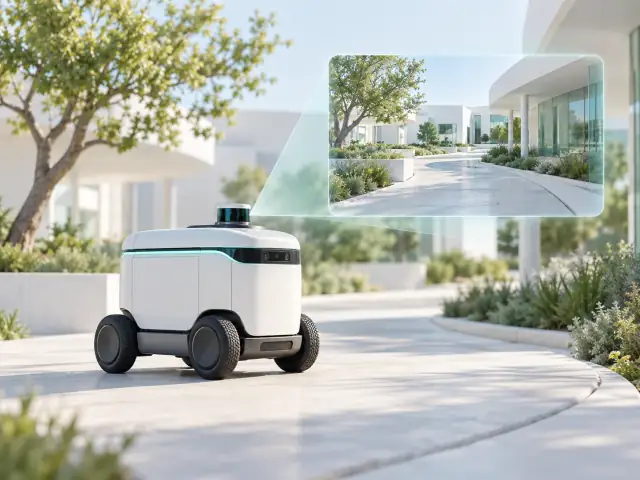
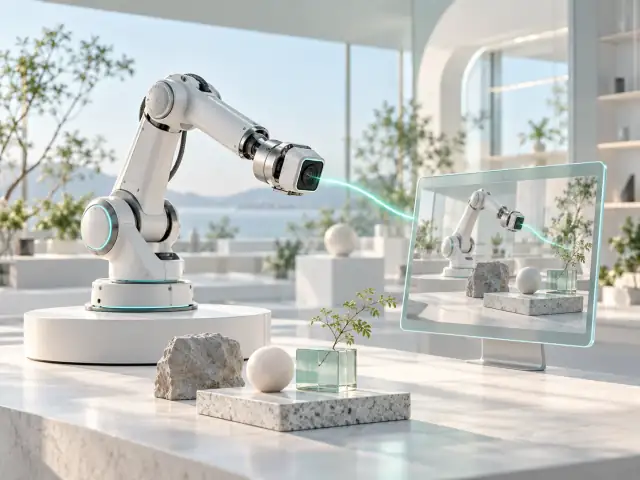 Robot viewVehicle view
Media and state have distinct sources, aligned during integration.
INTERACTIVE CONCEPT · NO LIVE DEVICE DATA
01 / THREE WAYS TO CONNECT
Different tasks.
A shared sense of presence.
AI digital humans
Keep media in step with the conversationDigital human applications, interactive devices and speech services.
Explore solution 02Remote safety
See the site. Work together.Robot site monitoring and vehicle operations visibility.
Explore solution 03Remote education
Keep remote guidance conversationalInteractive classrooms, remote guidance and education products.
Explore solution02 / EXPLORE THE EXPERIENCE
See how the connection
fits your application.
Switch applications to explore the people, media paths and collaboration involved.
See the site.
Decide together.
Start with robot or vehicle views. Bring media, device context and collaboration into one task flow.
Explore this applicationAn illustration of the application flow. Features and ownership are scoped per project.
Robot viewVehicle viewMedia and state have distinct sources, aligned during integration.
INTERACTIVE CONCEPT · NO LIVE DEVICE DATA
Keep the next
turn flowing.
Align user input, AI processing and media playback. Understand how synchronization, interruption and recovery connect.
Explore this applicationAn illustration of the application flow. Features and ownership are scoped per project.
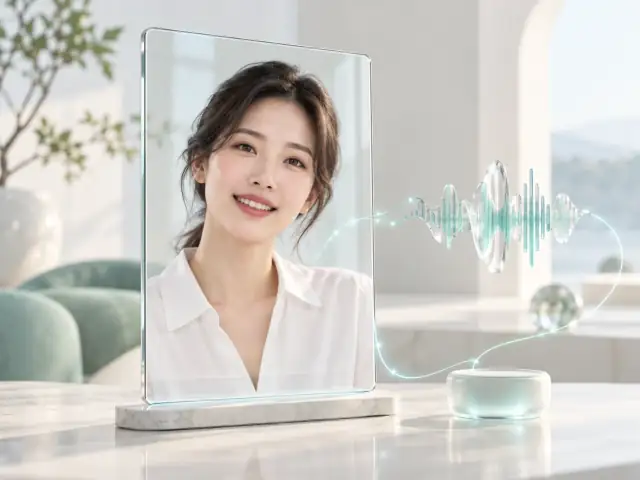 AVATAR CONCEPT
“Tell me about this solution.”
Voice input → Media transport
Scripted examples explain the flow; this is not a live AI conversation.Bring the details
into the conversation.
Connect teachers, learners and on-site guides through the right voice, video and shared content.
Explore this applicationAn illustration of the application flow. Features and ownership are scoped per project.
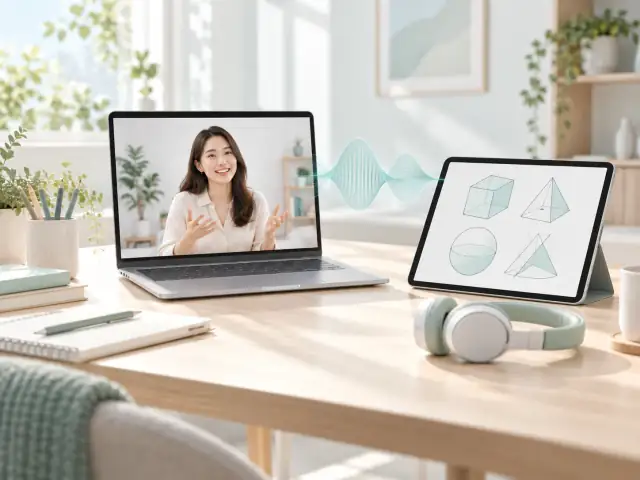
Classroom features, identity and content management are scoped separately.
03 / YOUR SYSTEM, CONNECTED
Connect the critical path.
Keep the system clear.
Your site
Cameras, microphones, robots or existing media streams
Real-time connection
Media interfaces, transport and endpoint integration
YIYOUYINLI INTEGRATION FOCUSYour application
Digital humans, monitoring workspaces or classrooms
Align interfaces, deliverables and ownership at the start of the project.
Explore products and deliveryEvery improvement
deserves evidence.
Record devices, networks, media settings and measurement boundaries together, so findings can inform decisions.
Our R&D goal: the world’s lowest end-to-end media latency
05 / FROM DISCOVERY TO DELIVERY
Every step.
A clear next step.
- 01
Frame the task
Input: application and goals
Output: a focused discussion scope - 02
Connect the systems
Input: devices and interfaces
Output: integration and ownership - 03
Validate together
Input: setup and method
Output: recorded findings - 04
Plan delivery
Input: results and agreement
Output: a specific delivery plan
LET’S CONNECT
Start with your site.
Build a useful connection.
Tell us about your existing setup and the problem to solve. We will agree on the next step by email.
What can we discuss today?
Start with media integration, device and system integration, and joint validation. Platforms, delivery and goals are scoped around your setup.
What should I bring to the first discussion?
Share the application, current setup and the problem to solve. Use the preparation checklist or send an inquiry to agree on next steps by email.