
Small-group interaction
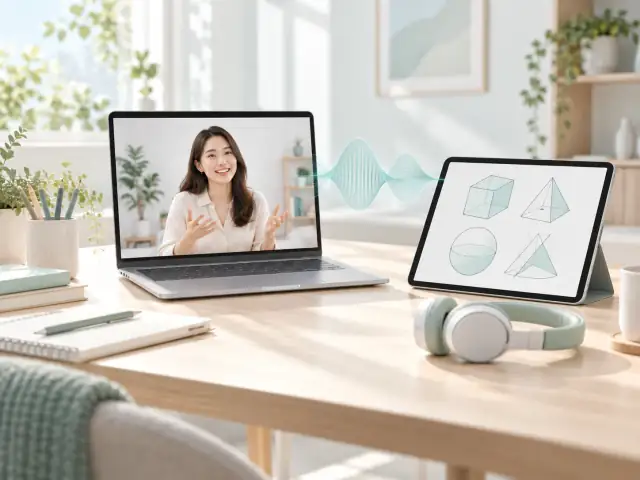
Teacher ⇄ Two-way media ⇄ Learners
Evaluate turn-taking, speech clarity and synchronization.
REMOTE EDUCATION
From one-to-one tutoring to interactive teaching, connect voice, video and classroom conversation. Evaluate media integration around the actual teaching format and student devices.
Classroom features, identity and content management are scoped separately.
INTERACTIVE CONCEPT · NO LIVE DEVICE DATA
UNDERSTAND THE TASK
A pause after a question, overlapping speech or frozen video can interrupt a lesson. Low latency matters alongside intelligibility, stability and device usability.
Classroom features, identity and content management are scoped separately.
Combine shared content, cameras and voice around the teaching task.
Classroom features, identity and content management are scoped separately.
Assess clarity, turn-taking and viewing continuity on the actual devices and networks.
Classroom features, identity and content management are scoped separately.
Connect close-up views and voice with your existing learning application.
The media flow changes with the application mode. Align it before integration.
Teacher ⇄ Two-way media ⇄ Learners
Evaluate turn-taking, speech clarity and synchronization.
Site or shared content → Media path → Participants
Evaluate detail, shared-media quality and explanation.
Presenter → Distribution → Viewers
Evaluate startup, continuity and target scale.
DESIGNED AROUND THE APPLICATION
These are priorities for integration. Features and delivery depend on the agreed scope and validation.
Evaluate questions, replies, interruptions and turn-taking in the teaching experience.
Define browser, device and network test coverage around teachers and students.
Align media interfaces with existing classroom, identity and business systems.
Media integration is not a complete learning-management system. Courseware, whiteboards, accounts, scheduling, recording and content management require explicit scope. Student information needs appropriate authorization and protection.
PREPARE THE CONNECTION
A FEW ANSWERS
Our primary scope is media transport and integration with education products. Whiteboards, courseware and scheduling are scoped separately.
Use actual teaching tasks to observe turn-taking, intelligibility, stalls and recovery against an agreed baseline.
Recording is not included by default in media integration. Agree separately on any existing recording system, start/stop permissions, access and retention, with appropriate authorization.
LET’S CONNECT
Tell us about your existing setup and the problem to solve. We will agree on the next step by email.