
Multiple perspectives
Prioritize forward, side and surrounding views around the observation task. Confirm stream count, bandwidth and endpoint capabilities.
VEHICLE SAFETY MONITORING
Connect vehicle cameras with remote teams for operational monitoring, situation confirmation and collaboration. Understand the scene first, then scope optional assisted actions.
Monitoring first · Shared context · Assisted action when needed
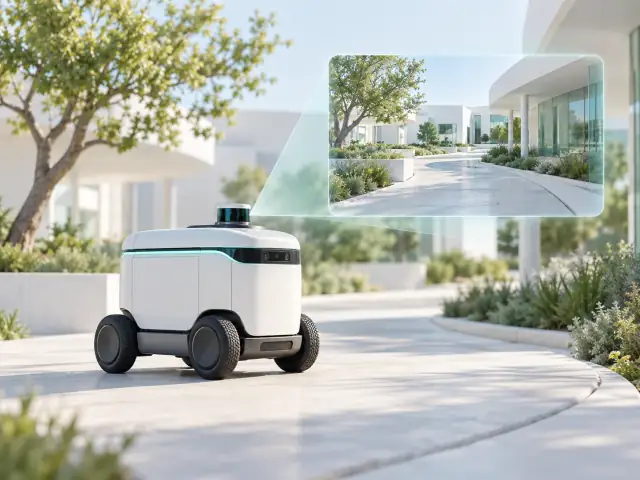
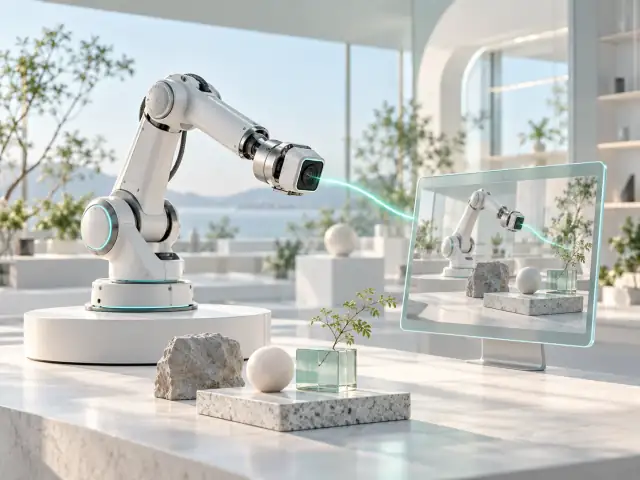 Robot viewVehicle view
Media and state have distinct sources, aligned during integration.
INTERACTIVE CONCEPT · NO LIVE DEVICE DATA
UNDERSTAND THE TASK
Camera perspectives, mobile connectivity and vehicle status all shape remote judgment. Define what to observe, who confirms the situation and how to recognize a loss of current visual information.
Robot viewVehicle viewMedia and state have distinct sources, aligned during integration.
INTERACTIVE CONCEPT · NO LIVE DEVICE DATA
Choose the views and endpoints around the task, then evaluate continuity, timestamps and recovery.
Robot viewVehicle viewMedia and state have distinct sources, aligned during integration.
INTERACTIVE CONCEPT · NO LIVE DEVICE DATA
Combine views with existing device information. Recording, alerts and state sources are separately scoped.
Robot viewVehicle viewMedia and state have distinct sources, aligned during integration.
INTERACTIVE CONCEPT · NO LIVE DEVICE DATA
Scope voice communication and integration with existing workflows.
Robot viewVehicle viewMedia and state have distinct sources, aligned during integration.
INTERACTIVE CONCEPT · NO LIVE DEVICE DATA
Commands and feedback are independent. Motion control, loss-of-link protection and emergency stop need assigned owners.
ASSISTED CAPABILITY · NOT A COMPLETE CONTROL SYSTEMDESIGNED AROUND THE APPLICATION
These are priorities for integration. Features and delivery depend on the agreed scope and validation.
Prioritize forward, side and surrounding views around the observation task. Confirm stream count, bandwidth and endpoint capabilities.
Record coverage changes, handovers, video stalls and recovery to establish conditions for continuous observation.
Integrate existing vehicle-status and collaboration workflows. Assign interfaces and providers for event records, voice and assisted actions.
Operational monitoring and collaboration are the primary scope. Assisted control requires separate authorization, control feedback and operating boundaries. The designated system owns vehicle control, loss-of-link protection and emergency response; this is not a promise of public-road remote driving.
Alerts, recording, AI detection and work orders are not implied capabilities. Share your existing interfaces so we can align ownership and integration scope.
PREPARE THE CONNECTION
A FEW ANSWERS
Monitoring provides visual context for observation and collaboration. Remote driving needs a separate control system, authorization, device protection and operating conditions; it is not included by default in media integration.
Identify the existing platform, data source, retention and provider for each function. A real-time video connection does not automatically supply these capabilities.
Use the actual vehicle, viewing endpoint and network. Record media latency, continuity, handovers and recovery separately, with conditions and applicable scope.
LET’S CONNECT
Tell us about your existing setup and the problem to solve. We will agree on the next step by email.