
Live interaction
User input → AI processing → Media response
Evaluate turn-taking, interruption recovery and first audible response.
AI DIGITAL HUMAN
From the first spoken word to a digital human’s reply, every stage shapes the experience. We focus on real-time media transport and its integration with speech, model and rendering systems.
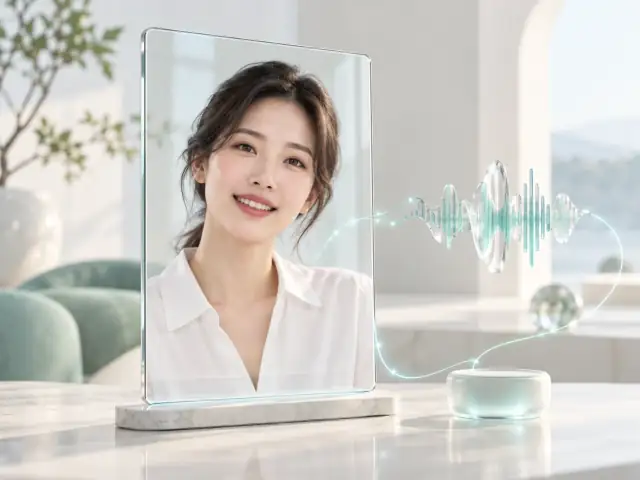 AVATAR CONCEPT
“Tell me about this solution.”
Voice input → Media transport
Scripted examples explain the flow; this is not a live AI conversation.INTERACTIVE CONCEPT · NO LIVE DEVICE DATA
UNDERSTAND THE TASK
Delayed speech, mismatched visuals and playback that continues after an interruption all break the rhythm. Observing input, inference, synthesis and delivery separately helps locate the cause.
AVATAR CONCEPT“Tell me about this solution.”
Voice input → Media transport
Scripted examples explain the flow; this is not a live AI conversation.Define media inputs and the separate roles of speech recognition and model services.
AVATAR CONCEPT“Let’s start with your application.”
AI / speech services → Media playback
Scripted examples explain the flow; this is not a live AI conversation.Agree on timestamps and synchronization across speech, rendering and playback.
AVATAR CONCEPT“I’m interested in device integration.”
Interruption event → Application coordination
Scripted examples explain the flow; this is not a live AI conversation.Coordinate interruption events, playback cancellation and processing.
AVATAR CONCEPT“Let’s look at your devices and interfaces.”
New turn → Synchronized playback
Scripted examples explain the flow; this is not a live AI conversation.The application maintains context while media carries the next response.
The media flow changes with the application mode. Align it before integration.
User input → AI processing → Media response
Evaluate turn-taking, interruption recovery and first audible response.
Content and voice → Avatar media → Audience
Evaluate startup, playback continuity and endpoint presentation.
DESIGNED AROUND THE APPLICATION
These are priorities for integration. Features and delivery depend on the agreed scope and validation.
Evaluate upstream voice, downstream media and playback buffers across conversational turns.
Define timestamps and synchronization around your digital human rendering architecture.
Measure first response, complete response and media latency separately.
Speech recognition, language models, speech synthesis and digital human rendering may be provided by you or third parties. Our scope focuses on transport, integration and joint optimization, subject to validation.
PREPARE THE CONNECTION
A FEW ANSWERS
Our current focus is the real-time media pipeline. Digital human, voice, model and orchestration responsibilities are defined during discovery.
No. AI first-response time runs from the end of user input to the first perceptible audio or visual response. It includes processing outside media transport and must be measured separately.
Yes. Share your architecture, media formats, interfaces, deployment location and target devices to define a useful evaluation.
LET’S CONNECT
Tell us about your existing setup and the problem to solve. We will agree on the next step by email.