
Useful perspectives
Define primary and secondary cameras, image quality, frame rate, simultaneous views and device compute around the task.
ROBOT SITE MONITORING
Use the robot’s view as a window into the site. Align cameras, device status and collaboration workflows to define media integration from robot to monitoring station.
Monitoring first · Shared context · Assisted action when needed
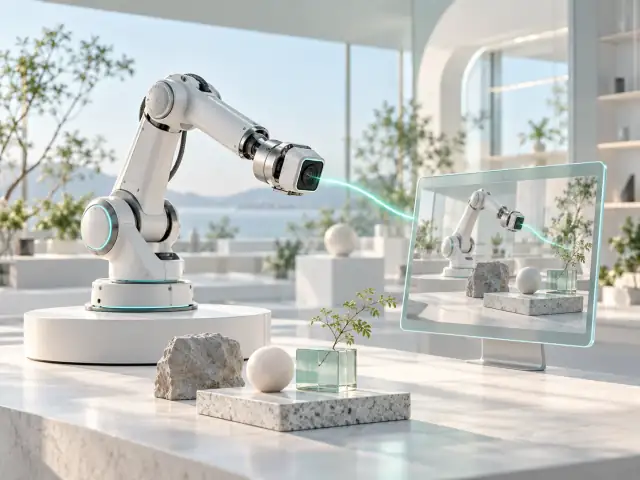 Robot view
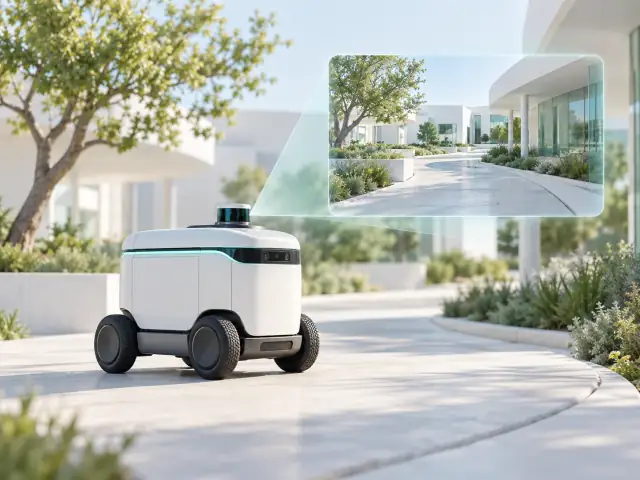 Vehicle view
Media and state have distinct sources, aligned during integration.
INTERACTIVE CONCEPT · NO LIVE DEVICE DATA
UNDERSTAND THE TASK
Inspection teams need more than a delivered image. They need useful perspectives, continuous video and clear sources of device status. Start with monitoring, then connect observation, confirmation and collaboration.
Robot viewVehicle viewMedia and state have distinct sources, aligned during integration.
INTERACTIVE CONCEPT · NO LIVE DEVICE DATA
Choose the views and endpoints around the task, then evaluate continuity, timestamps and recovery.
Robot viewVehicle viewMedia and state have distinct sources, aligned during integration.
INTERACTIVE CONCEPT · NO LIVE DEVICE DATA
Combine views with existing device information. Recording, alerts and state sources are separately scoped.
Robot viewVehicle viewMedia and state have distinct sources, aligned during integration.
INTERACTIVE CONCEPT · NO LIVE DEVICE DATA
Scope voice communication and integration with existing workflows.
Robot viewVehicle viewMedia and state have distinct sources, aligned during integration.
INTERACTIVE CONCEPT · NO LIVE DEVICE DATA
Commands and feedback are independent. Motion control, loss-of-link protection and emergency stop need assigned owners.
ASSISTED CAPABILITY · NOT A COMPLETE CONTROL SYSTEMDESIGNED AROUND THE APPLICATION
These are priorities for integration. Features and delivery depend on the agreed scope and validation.
Define primary and secondary cameras, image quality, frame rate, simultaneous views and device compute around the task.
Check bandwidth changes, video stalls and reconnection under the actual network coverage, and document the usable scope.
Align device-status and application interfaces. Scope two-way voice, event notifications and assisted actions separately.
Monitoring comes first. Assisted control is an optional integration with the existing control system. Assign providers for device alerts, recording, AI analysis and scheduling; the designated system owns motion control, emergency stop, authorization and loss-of-link behavior.
Alerts, recording, AI detection and work orders are not implied capabilities. Share your existing interfaces so we can align ownership and integration scope.
PREPARE THE CONNECTION
A FEW ANSWERS
This site describes real-time media and device integration. Scheduling, device management, alerts and recording require explicit scope around your existing systems.
Monitoring supplies visual context. Assisted control is an optional, separate integration with agreed permissions, command acknowledgments and device protections. Video transport does not replace the control system.
Bring one inspection task, robot and camera information, network conditions and the viewing endpoint. These define the interfaces and evaluation plan.
LET’S CONNECT
Tell us about your existing setup and the problem to solve. We will agree on the next step by email.